Updating my app to iPhone Duo multiple screen sizes
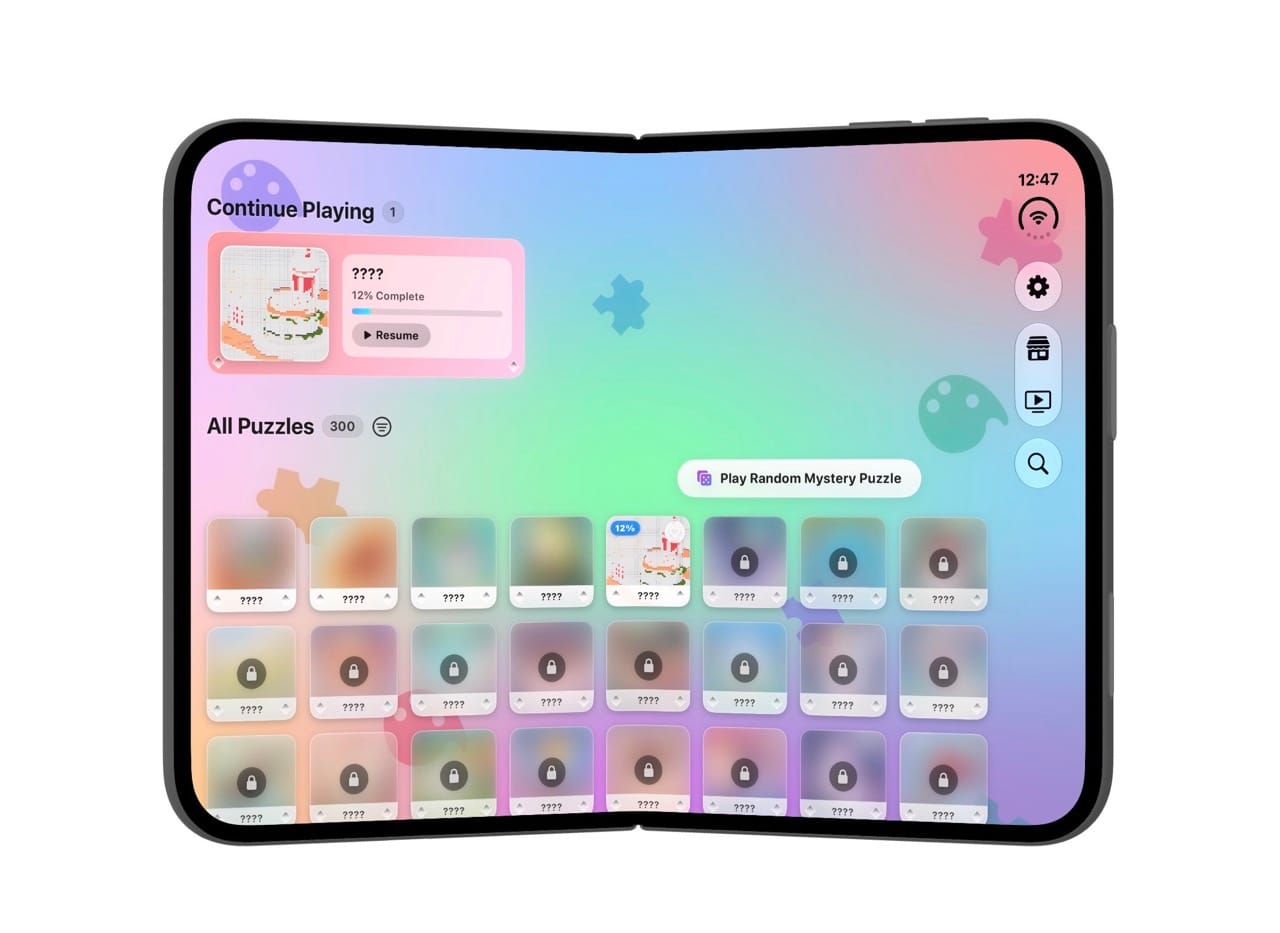
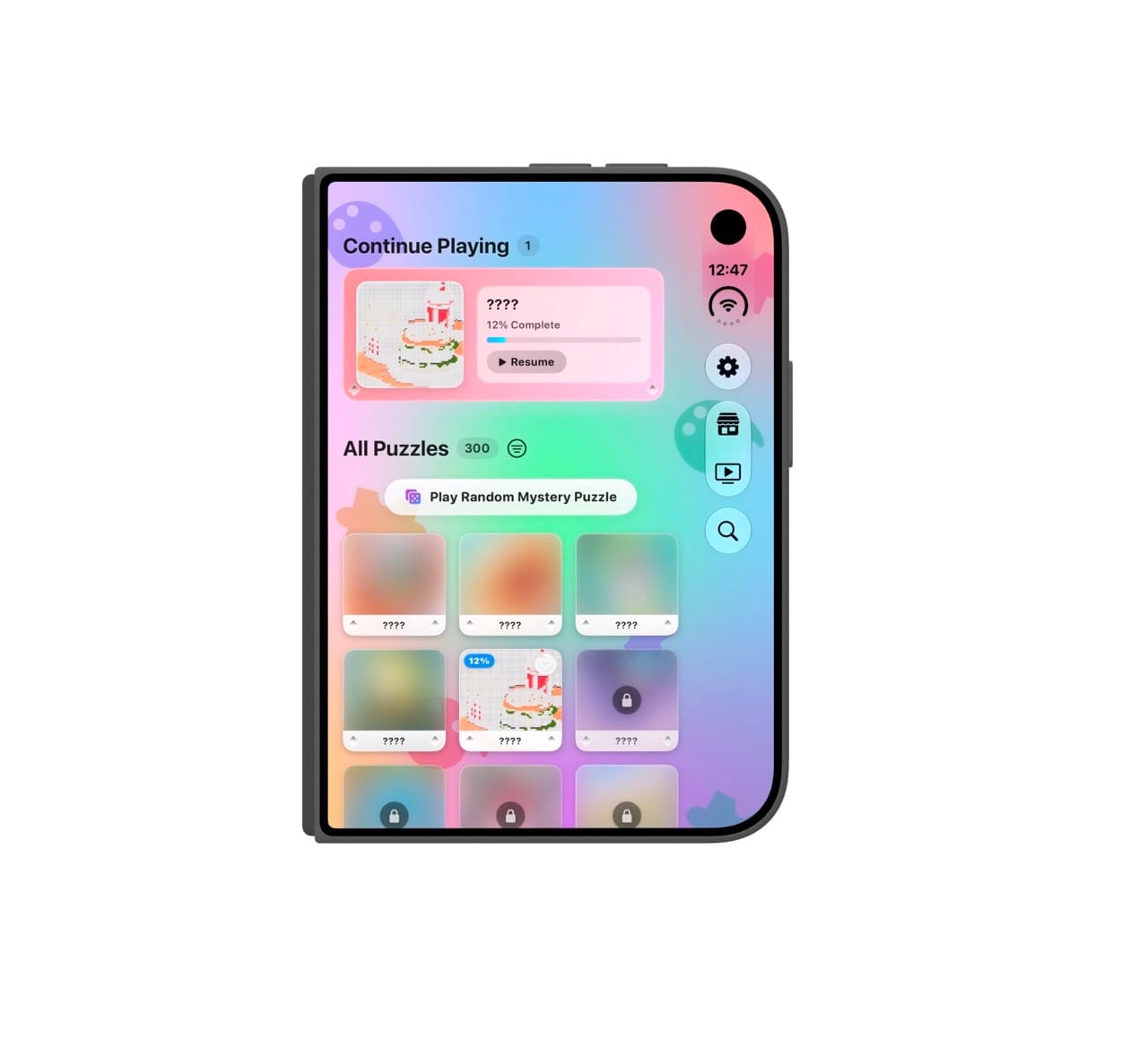
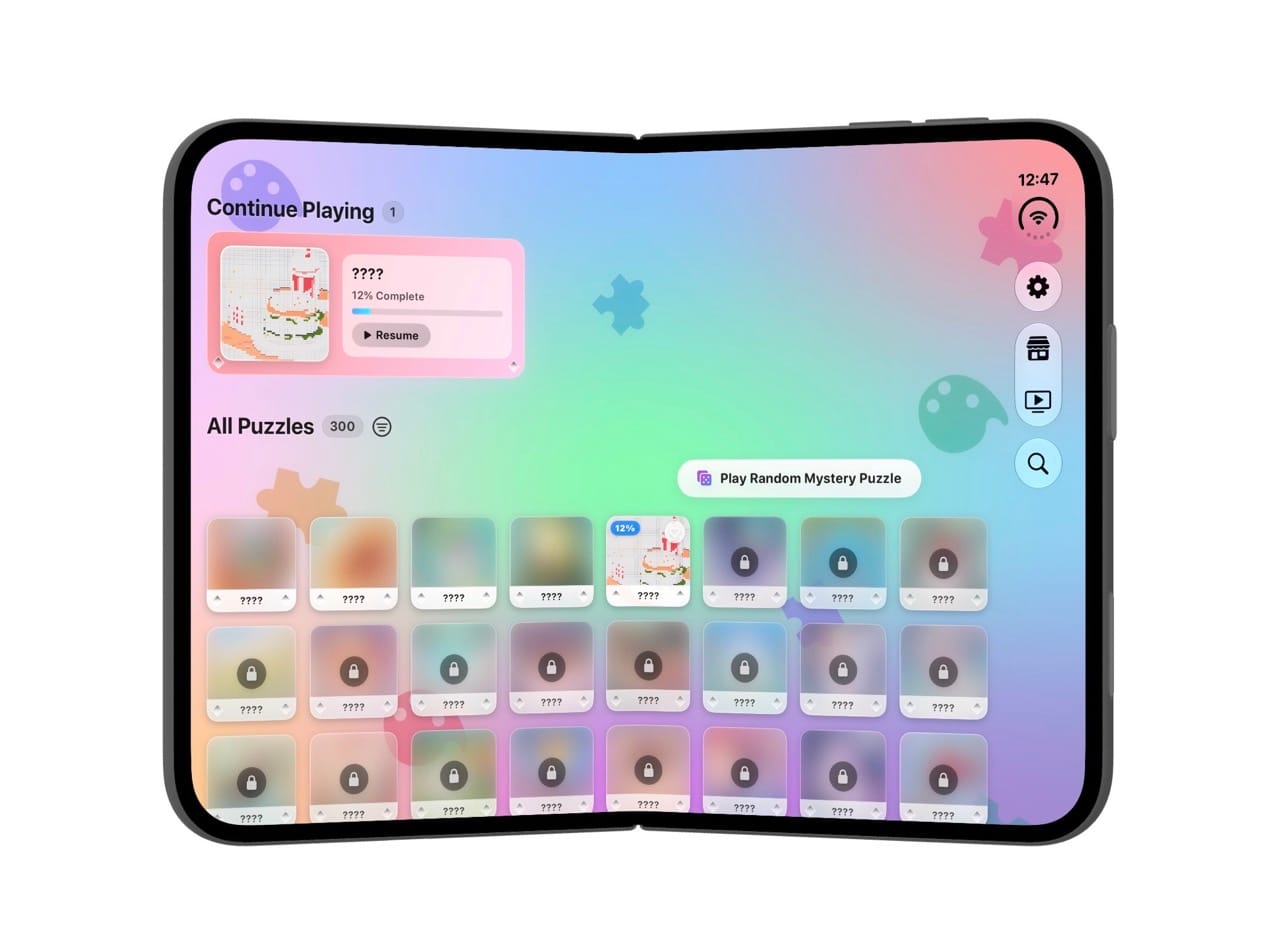
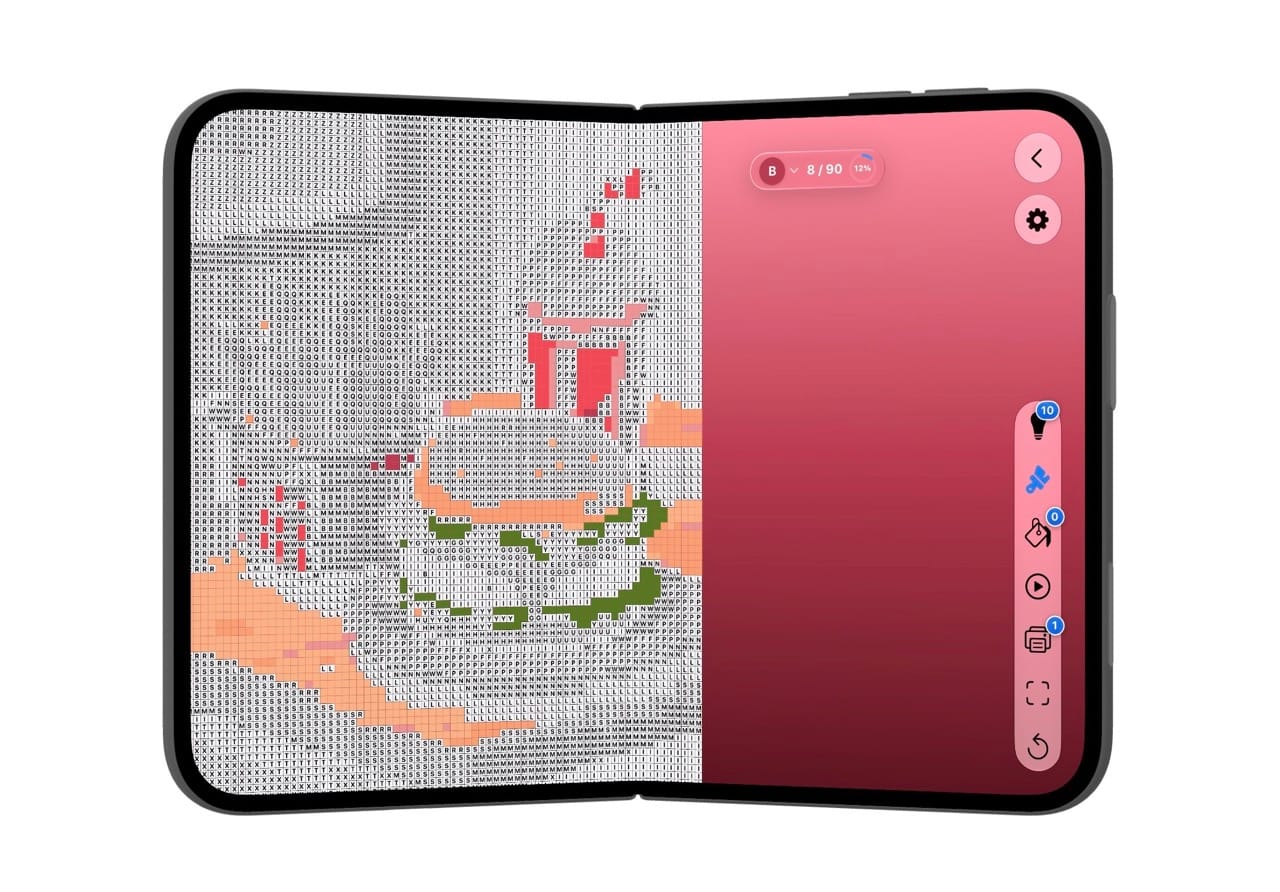
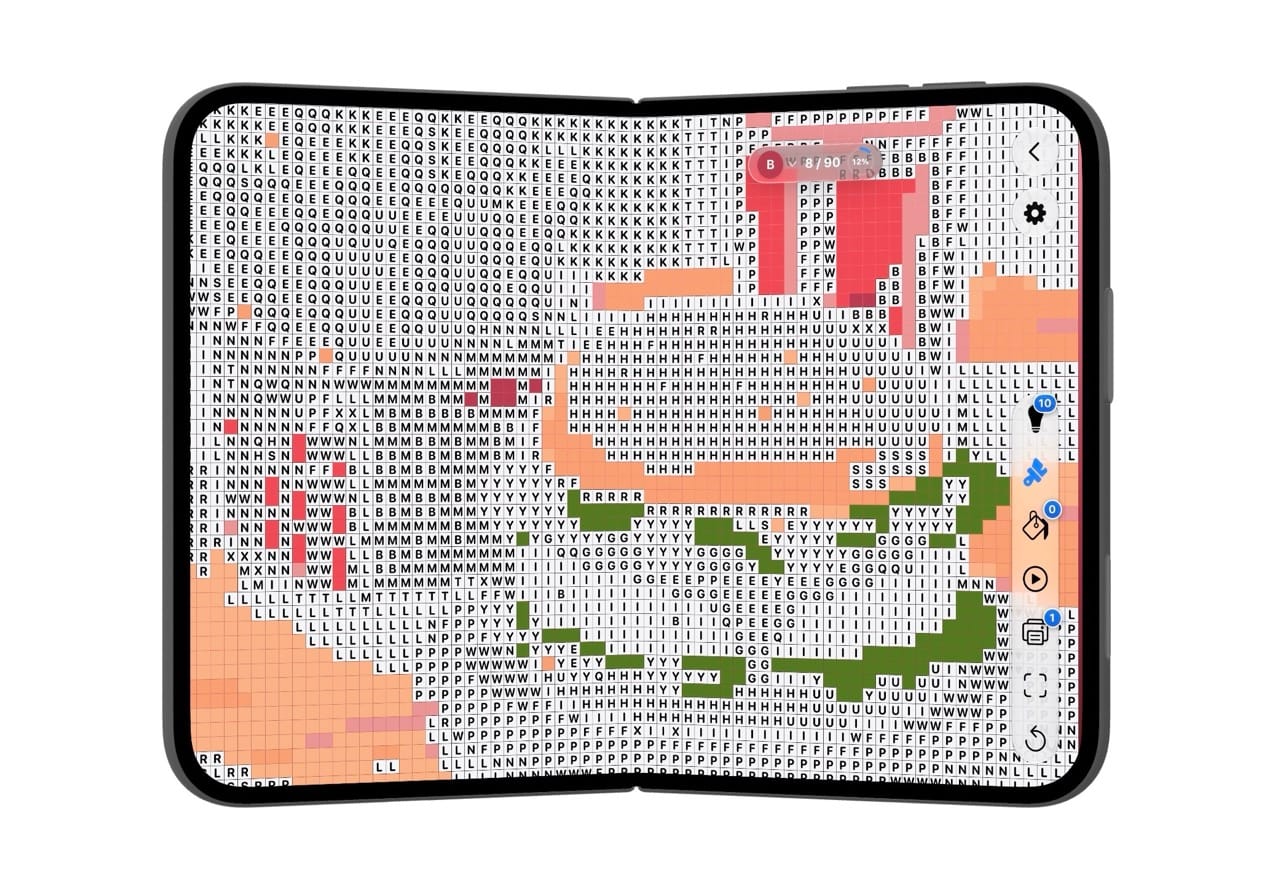
It was pretty straightforward. I built custom nav and tab bars on the first release. Works great but does not listen to any iPhone Duo resizing. I had them converted using Gemini. I fed Gemini with all the iPhone Duo Youtube videos from Apple and all the online support docs related to the Duo. That took about 2 hours.
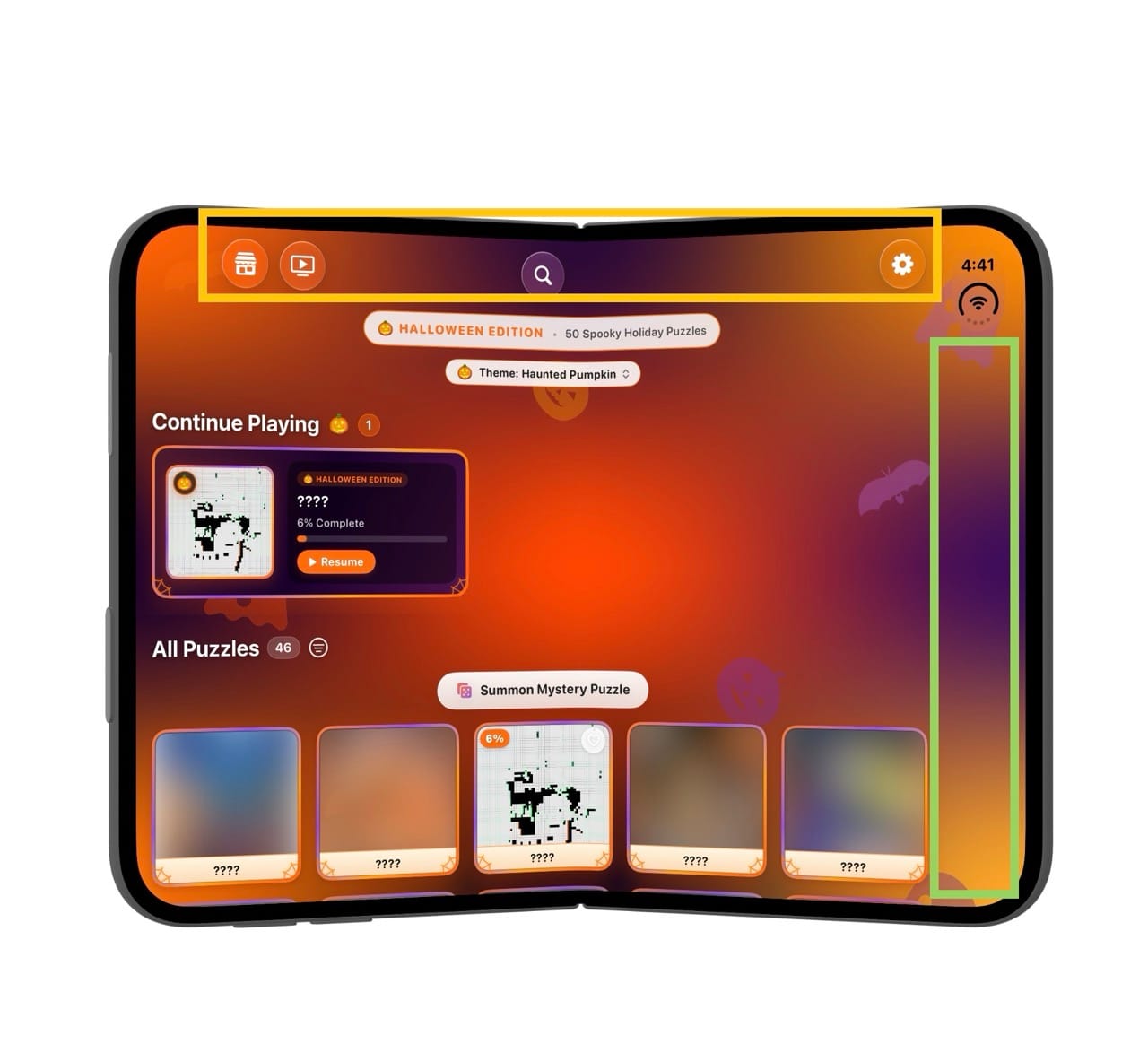
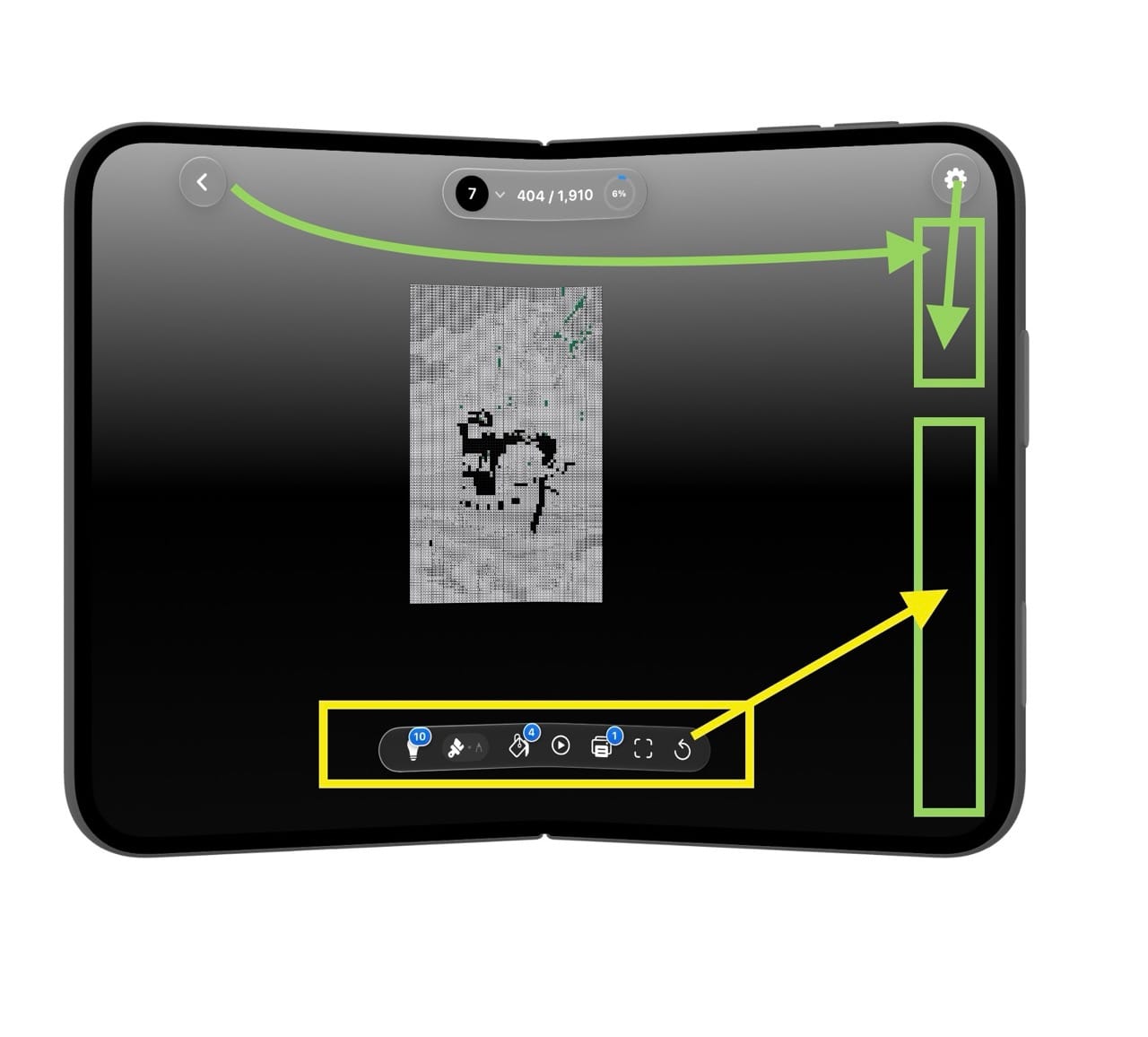
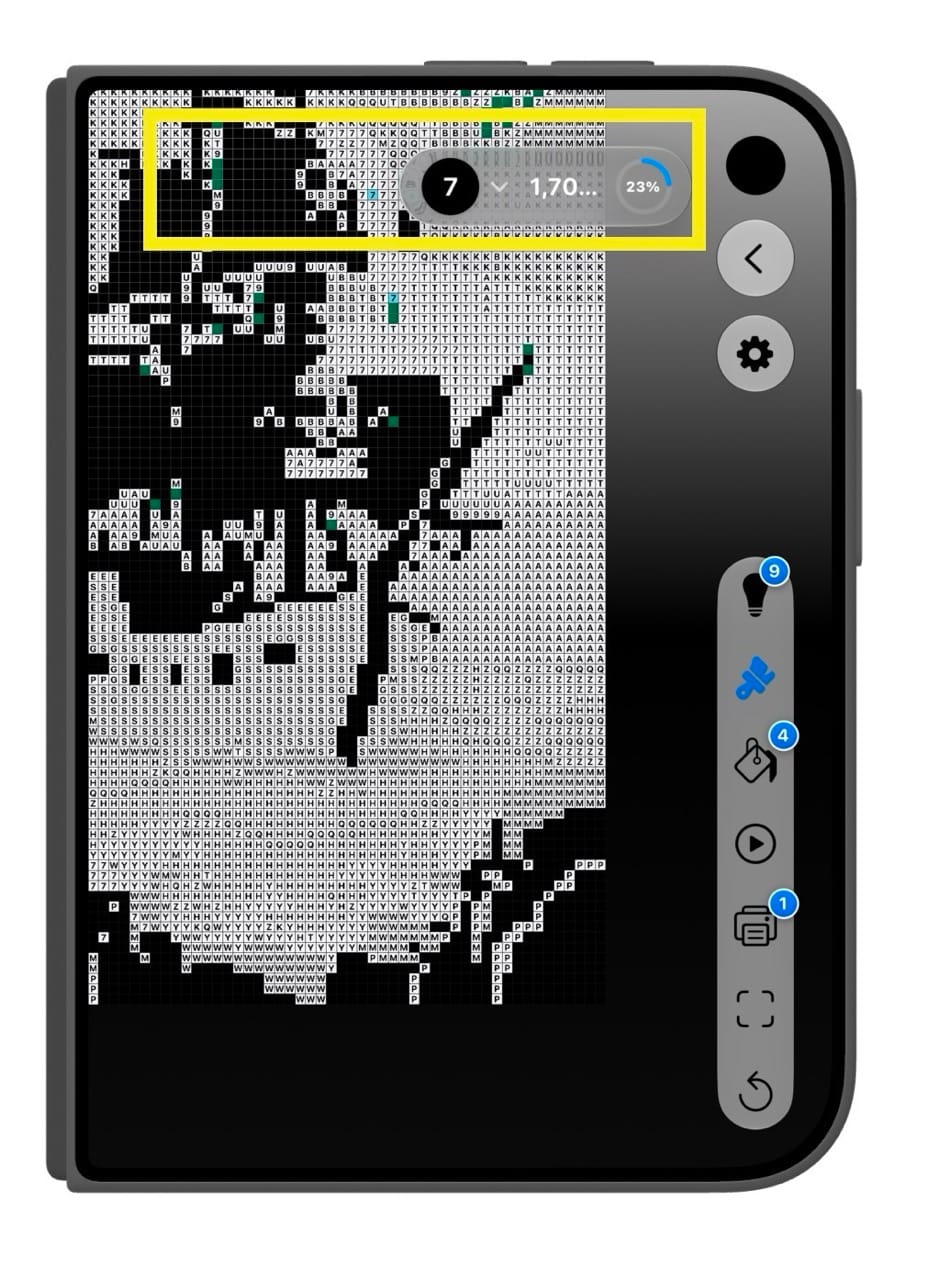
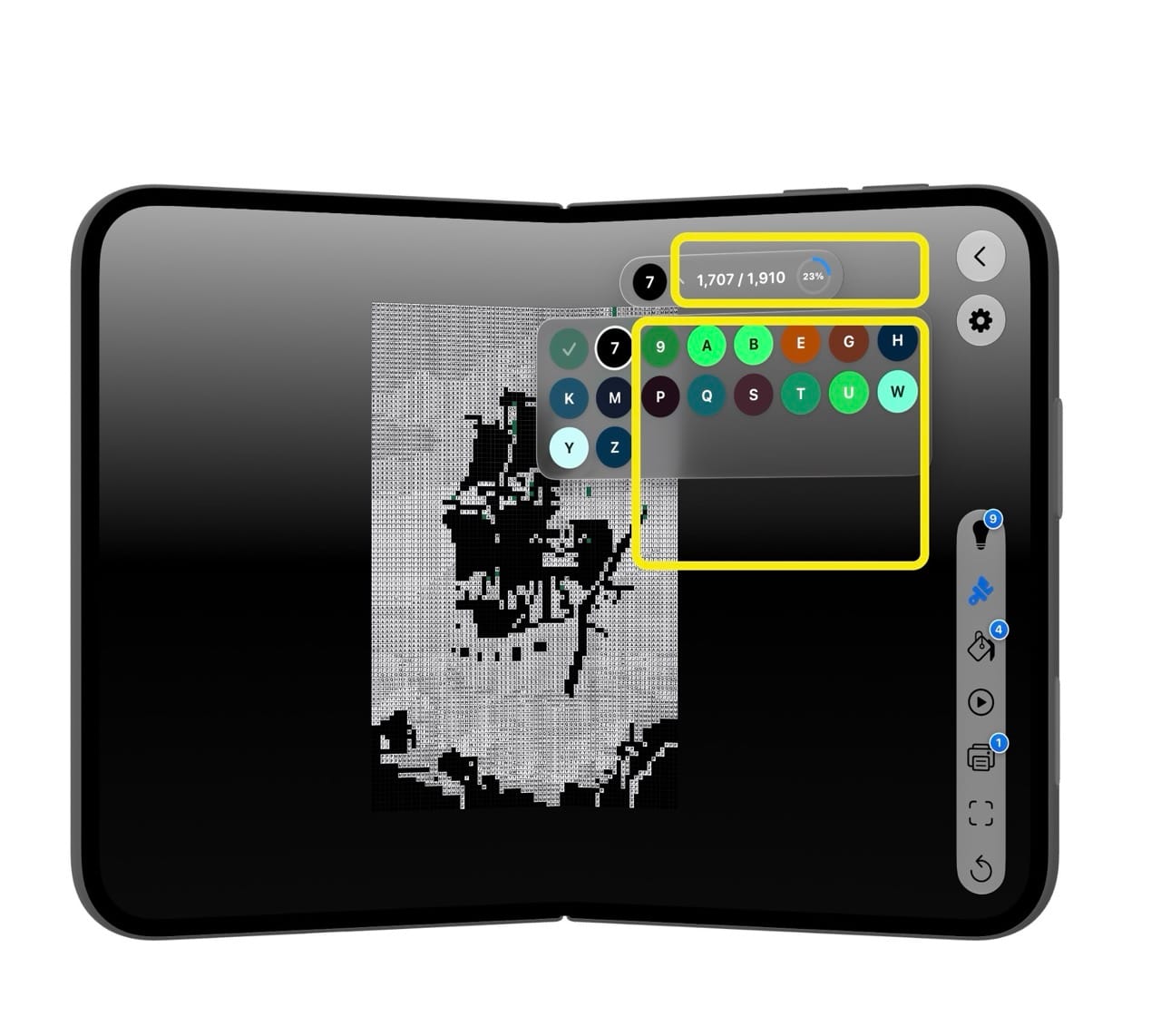
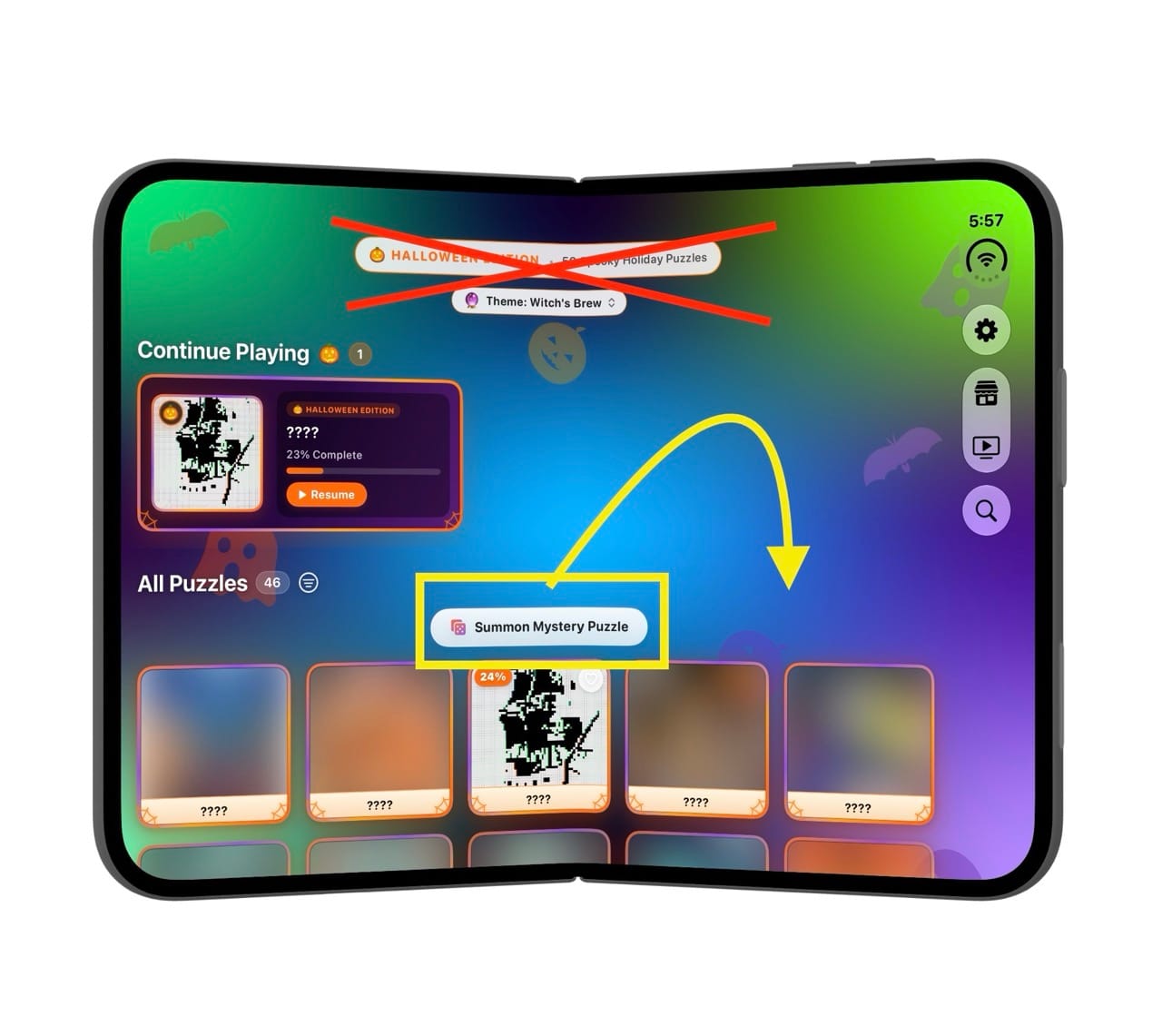
The drawn rects are where I needed changes to happen.
Puzizzle: Color By Number App - App Store
Download Puzizzle: Color By Number by Mark Andrade on the App Store. See screenshots, ratings and reviews, user tips, and more apps like Puzizzle: Color By…
 Mark Andrade